Create a Professional Online Portfolio with Yananyaa
2026-09-18 · By Haileyesus Ingidu
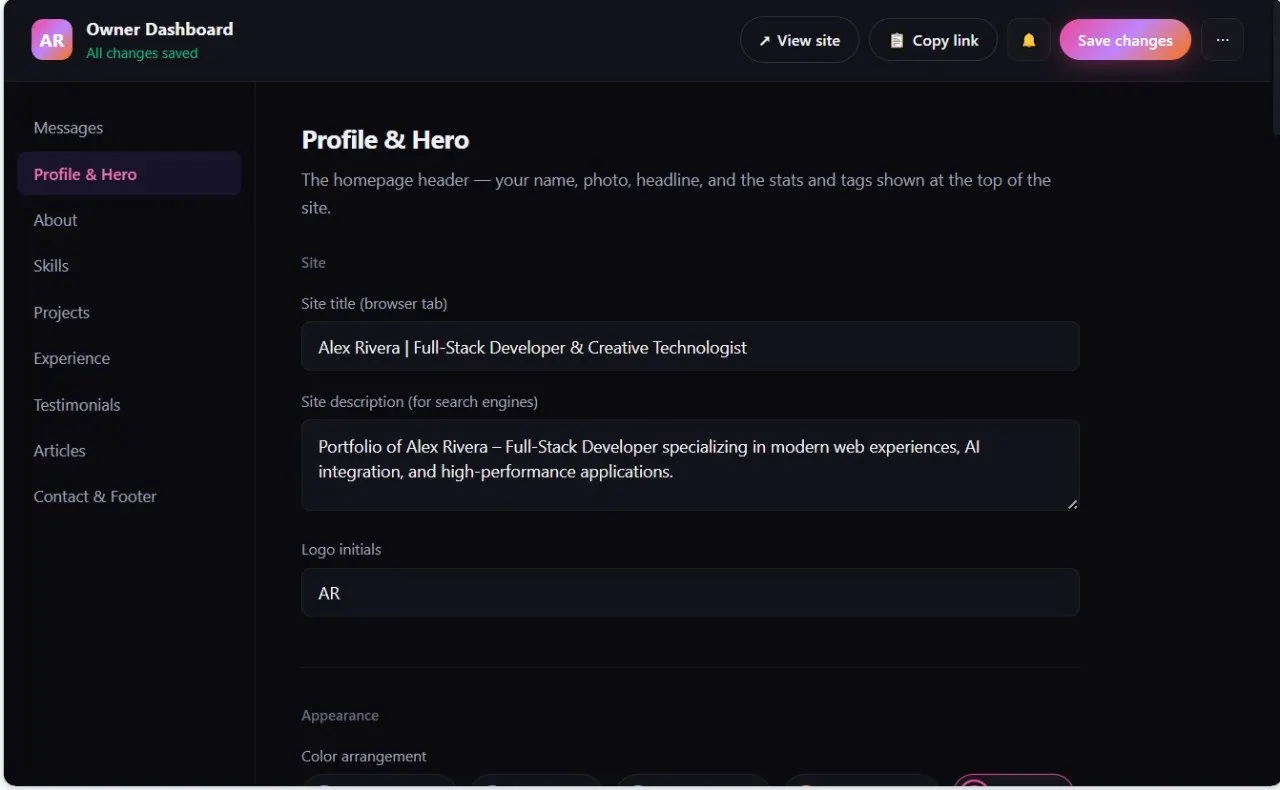
Your portfolio is often the first thing a client, recruiter or hiring manager sees about you. A CV lists what you have done; a portfolio shows it. The Yananyaa Portfolio builder lets you publish a complete personal website and manage every part of it from a single dashboard, without writing code. This guide explains what the tool includes, how to set it up, and how to write your pages so that both people and search engines understand them.
What the Yananyaa Portfolio builder does
Each user gets a public portfolio page on its own address, plus a private Owner Dashboard for editing it. Instead of juggling separate tools for your profile, projects and contact details, you update everything in one place and the public page changes with you.
The result is one shareable link that you can put on a CV, a LinkedIn profile, an email signature or a business card.
One dashboard for every section
The Owner Dashboard covers the four sections most portfolios need:
- Profile: your name, headline and short introduction.
- Skills: the tools and abilities you want to be known for.
- Projects: the work you are proudest of.
- Experience: the roles and companies behind that work.
Because everything lives in one dashboard, keeping your portfolio current takes minutes rather than a weekend. That matters, because an out-of-date portfolio quietly tells visitors that you are no longer active.
Make it look like you: colour themes and an animated headline
You can switch between ready-made colour themes such as Violet, Ocean Blue and Emerald Green with one click. The choice updates accents, links and buttons across the whole site, so you never have to restyle pages one by one. Pick the colour that suits your field and keep it, because a consistent look feels more trustworthy.
The main header can also show animated, typed words (for example "matter", "scale" and "convert") beside your name, together with skill tags. Keep this short. Three to five words that describe the results you deliver work better than a long list of buzzwords.
Prove your skills with numbers, projects and testimonials
Visitors decide quickly, so give them evidence instead of claims. The builder includes several sections designed for exactly that:
- Stats and floating cards: highlight figures such as years of experience, projects delivered or a performance score.
- Categorised project showcase: visitors can filter your work by category, for example SaaS, AI/ML, E-Commerce or Web Apps, and go straight to what is relevant to them.
- Career timeline: list your roles, responsibilities and key achievements in order.
- Client testimonials: add quotes with the person's name, job title and a star rating.
For each project, write two or three sentences covering the problem, what you did and the outcome. Concrete results ("cut checkout time in half") convince more than adjectives ("amazing").
Publish articles and let people contact you
The portfolio has a dedicated writing section, so you can publish your own articles and professional thoughts on the same site. Sharing what you have learned is one of the best ways to show real expertise, and fresh, original writing gives search engines more to index.
An "Available for new opportunities" badge tells visitors that you are open to work, and the built-in contact form lets clients and recruiters message you directly without your personal email address being displayed on the page.
Control how you appear in Google
The dashboard lets you set your site title, which appears in the browser tab and often as the blue link in search results, and your site description, which search engines may show beneath that link. Small changes here can make a real difference to how many people click.
- Keep the title under about 60 characters and include your name and profession, for example "Sara Bekele - Graphic Designer in Your City".
- Keep the description at roughly 150 to 160 characters and say what you do and who you help.
- Write for people first. Avoid stuffing in keywords, because Google's guidance favours helpful, honest pages.
How to build your portfolio, step by step
- Open the Yananyaa Portfolio page and set up your owner account.
- Fill in your profile, skills and a short introduction.
- Add three to six of your best projects and give each one a category.
- Add your experience timeline and any testimonials you have permission to use.
- Choose a colour theme and write your site title and description.
- Switch on the availability badge, test the contact form, then share your link.
Frequently asked questions
Do I need to know how to code?
No. Every section is managed from the dashboard.
Can I change my colours later?
Yes. Choose a different theme and the whole site updates at once.
How many projects should I show?
Quality beats quantity. A handful of well-explained projects convinces more visitors than a long list with no explanation.
Final thoughts
A good portfolio is clear, current and easy to act on. With one dashboard, quick themes, filterable projects, testimonials and a contact form, the Yananyaa Portfolio builder covers those basics. Start building yours and keep it updated as your career grows.
Ready to try Create Your Portfolio?
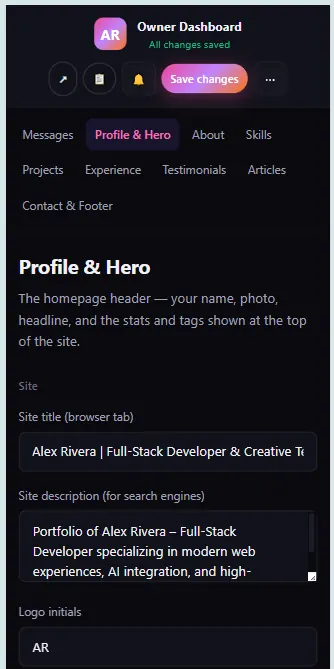
Build a personal portfolio site with a dedicated owner dashboard where you manage your profile, skills, projects and experience in one place.
Open Create Your Portfolio now → (opens in a new tab)