Yananyaa Messages: Chat, Voice Notes and File Sharing
2026-09-02 · By Haileyesus Ingidu
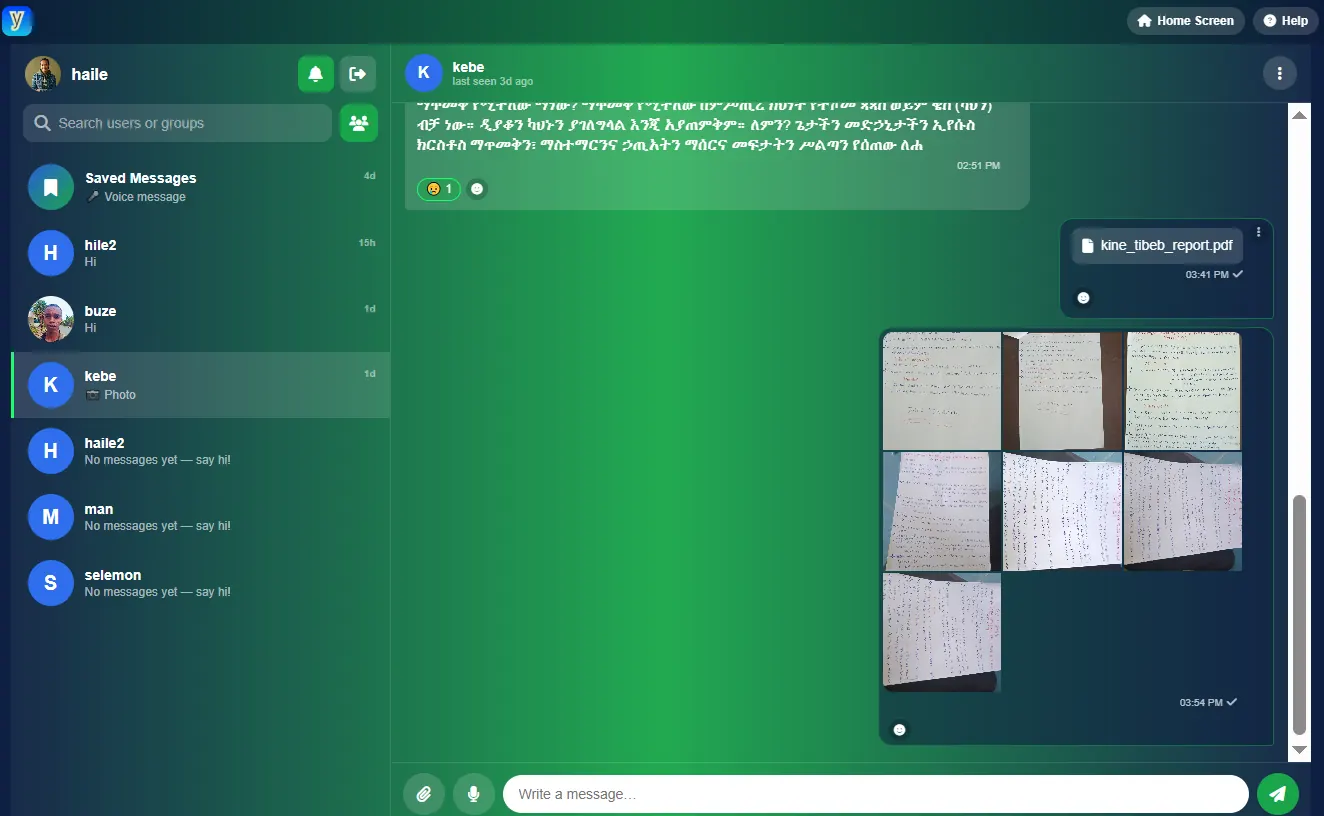
Most of our daily communication now happens in messaging apps, so it matters that they are fast, easy to use and give you control. Yananyaa Messages is a modern messaging platform for personal and group conversations with friends, family and colleagues. This guide explains what you can do with it and how to get the most out of each feature.
What is Yananyaa Messages?
Yananyaa Messages is the chat service in the Yananyaa family of tools. It lets you send text, voice notes and files, create groups, and keep private notes to yourself, all in one place.
Instant messaging you can edit
You can send text messages instantly, and you are not stuck with your mistakes: messages can be edited and deleted after you send them. That is useful when you notice a typo, send a wrong number or simply change your mind. Short, clear messages get the fastest replies, and editing means you can fix an error without cluttering the chat with corrections.
Share photos, videos and files up to 1GB
Yananyaa Messages supports sharing photos, videos and many other file types, with files of up to 1GB. This is large enough for presentations, project documents, recorded lessons and most videos. Before you send a big file, check that the recipient has enough data or a stable connection to download it.
Group chats for teams, classes and families
You can create your own groups and talk to several people at once. Groups work well for:
- Families sharing news, photos and plans.
- Study groups and classes exchanging notes and assignments.
- Work teams coordinating tasks and sharing documents.
- Communities and clubs organising events.
Give each group a clear name and a single purpose. Conversations stay easier to follow when one group is not used for everything.
Voice messages and emojis
Sometimes typing takes too long. You can record and send voice notes, which are perfect when you are walking, cooking or explaining something complicated. Emojis let you add tone and emotion to short messages, so that a quick reply does not sound cold or abrupt.
Saved Messages: your personal notebook
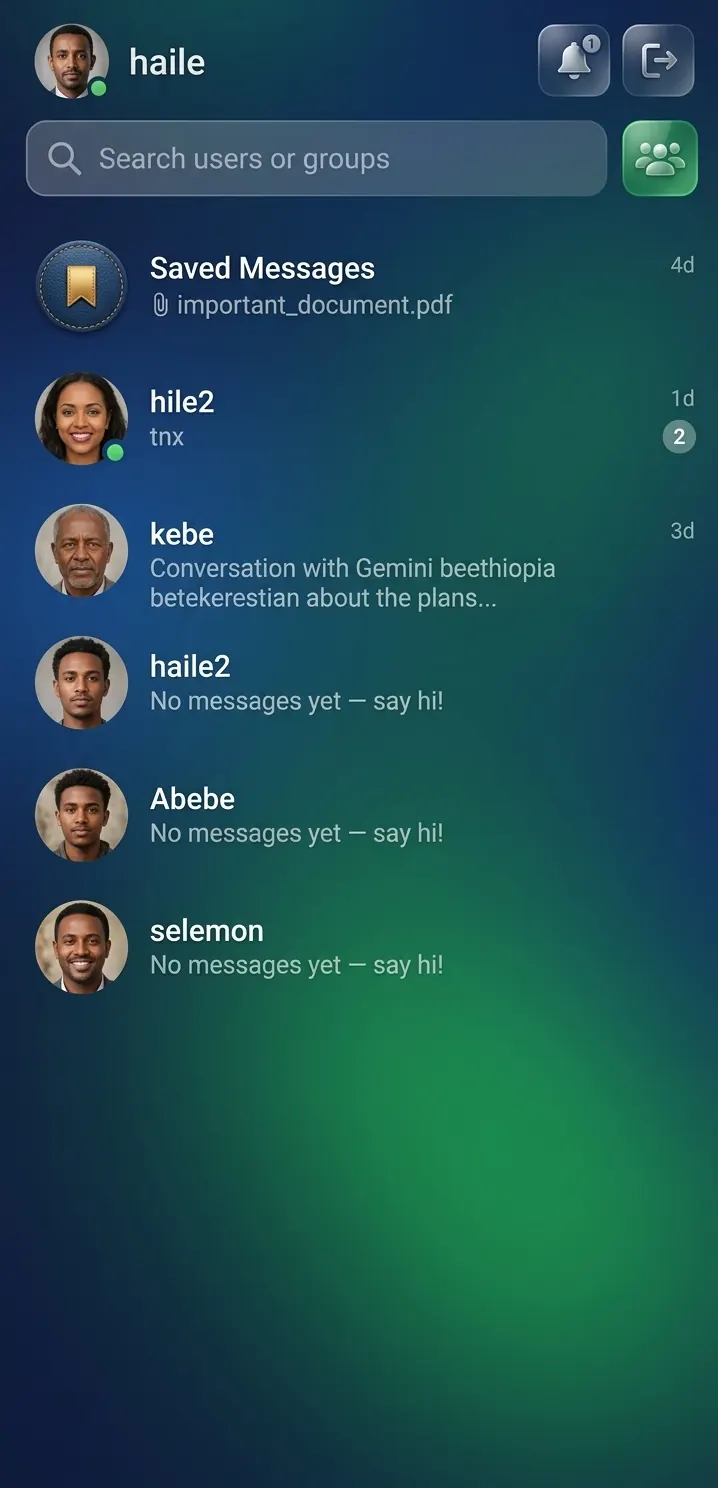
The Saved Messages feature gives you a private space inside the app that works like a notebook. Many people use it to keep:
- Reminders and to-do lists.
- Links and articles to read later.
- Photos, documents and files they want to find quickly.
- Drafts of longer messages.
Security and control
You decide who can reach you. You can block unwanted users and customise your notification settings, so that important conversations get your attention while less important ones stay quiet. Good habits also help keep your account safe:
- Never share passwords or verification codes in a chat, even with someone you know.
- Be cautious with links and files from people you do not recognise.
- Block and stop replying to anyone who is harassing you or asking for money unexpectedly.
How to get started
- Open Yananyaa Messages in your browser.
- Sign in or create your account.
- Start a chat with a contact or create a group.
- Try a voice note and a file share to see how they work.
- Open Saved Messages and add your first note.
- Review your notification settings and block anyone you do not wish to hear from.
Frequently asked questions
Can I edit or delete a message after sending it?
Yes. Text messages can be edited and deleted.
How big can shared files be?
Files of up to 1GB can be shared.
Can I create group chats?
Yes. You can create your own groups and chat with many people at once.
What is Saved Messages?
It is a personal space in the app where you can store notes, links and files for yourself.
Can I stop someone from contacting me?
Yes. You can block unwanted users and adjust notification settings.
Conclusion
Yananyaa Messages brings together everyday chat, voice notes, large file sharing, groups and a private notebook, with tools to keep you in control of who contacts you. Open Yananyaa Messages and start your first conversation.
Ready to try Chat App?
A simple chat app with no download and no complex verification. Access your saved files from any device with your username and password.
Open Chat App now → (opens in a new tab)