10 Tips to Help Students Prepare for an Online Exam
2026-09-24 · By Haileyesus Ingidu

Taking an exam on a screen is different from writing on paper. Students must manage time, technology and nerves all at once. Teachers and parents can help by explaining what to expect and by encouraging a few simple habits. Here are ten tips that work for secondary school, college and university students, including those using an online platform such as the Yananyaa Secure Exam Portal.
Before exam day
- Read the instructions early. Know the date, start time, duration and rules. Ask questions days before, not minutes before.
- Test your device. Check the battery, the browser and the screen. If your phone or laptop is old, try a practice session to see how it behaves.
- Check your internet. If your home connection is unreliable, plan where you will take the exam and keep a backup option, such as mobile data.
- Practise typing and navigating. If answers must be typed, short practice sessions build speed and confidence.
- Revise actively. Instead of only reading notes, answer past questions, explain topics aloud and write short summaries from memory.
On the day
- Prepare a quiet space. Tell your family when the exam starts, switch off notifications and keep the room tidy and well lit.
- Log in a few minutes early. This leaves time to fix small problems without panic.
- Read each question fully. Many mistakes come from misreading. Underline key words in your mind before choosing an answer.
- Manage your time. Divide the total minutes by the number of questions to get an average. If a question takes too long, mark it and move on.
- Review before submitting. Use the last minutes to check unanswered questions and to confirm that your work was saved.
Staying calm
Nervousness is normal. Sleep well the night before, eat something light and drink water. If you feel stressed during the exam, pause for a few seconds, breathe slowly and return to the question. A calm mind remembers more than an anxious one.
A note for teachers and parents
Give students clear written rules, a short practice test and a contact for technical help. Remind them that honesty matters more than the score, and that one exam is only one step in learning. When students understand the process, they perform closer to their real ability.
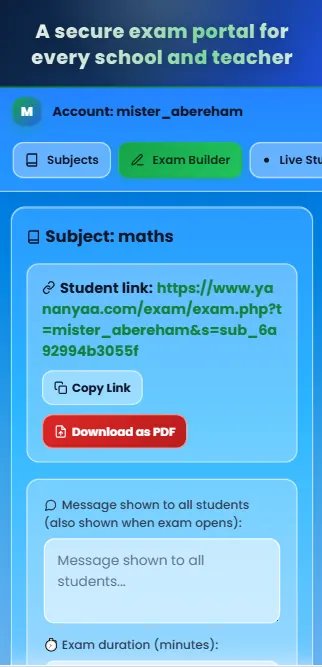
Ready to try Secure Exam Portal?
A secure online exam portal for schools and teachers: create exams, set time limits and review results in one place.
Open Secure Exam Portal now → (opens in a new tab)