Simple Password and Account Security Habits for Everyone
2026-10-01 · By Haileyesus Ingidu
Almost everything we do online depends on accounts: email, social media, banking, chat and shopping. If someone takes control of your email, they can often reset the passwords of your other accounts too. The good news is that a few simple habits remove most of the risk. You do not need technical knowledge, only consistency.
Create strong, unique passwords
A strong password is long and hard to guess. Instead of a short word with a number, use a passphrase made of several unrelated words, such as a sentence you can picture easily. Never use your name, phone number, birthday or common choices like 123456. Most importantly, use a different password for each important account. If one website is hacked, the others stay safe.
Use a password manager or a safe system
Remembering many long passwords is difficult. A reputable password manager stores them securely and fills them in for you. If you prefer not to use one, write your passwords in a notebook kept at home, never on a note stuck to your computer or in an unprotected phone note.
Turn on two-step verification
Two-step verification asks for a code or confirmation in addition to your password. Even if a criminal learns your password, they cannot enter the account without the second step. Enable it first on your email, then on social media and financial accounts.
Recognise phishing messages
- Messages that create panic: your account will be closed, you won a prize, urgent action required.
- Links that ask you to log in on an unfamiliar page.
- Requests for one-time codes, PINs or passwords. Real organisations never ask for these.
- Strange sender addresses or spelling mistakes.
When in doubt, do not click. Open the official website or app yourself and check from there.
Keep your devices updated
Updates fix security problems. Install them when prompted, and set a screen lock on your phone with a PIN, pattern or fingerprint. If a phone is lost, a lock keeps your messages and accounts private.
Be careful on shared and public devices
Log out completely when you use a computer in an internet cafe or at a friend's house. Do not tick the option to remember your password on devices that are not yours.
What to do if you are hacked
Change the password immediately from a safe device, sign out of all other sessions, check your recovery email and phone number, and warn your contacts in case the attacker sent them messages. Then enable two-step verification. Acting quickly limits the damage and teaches you which habit to improve.
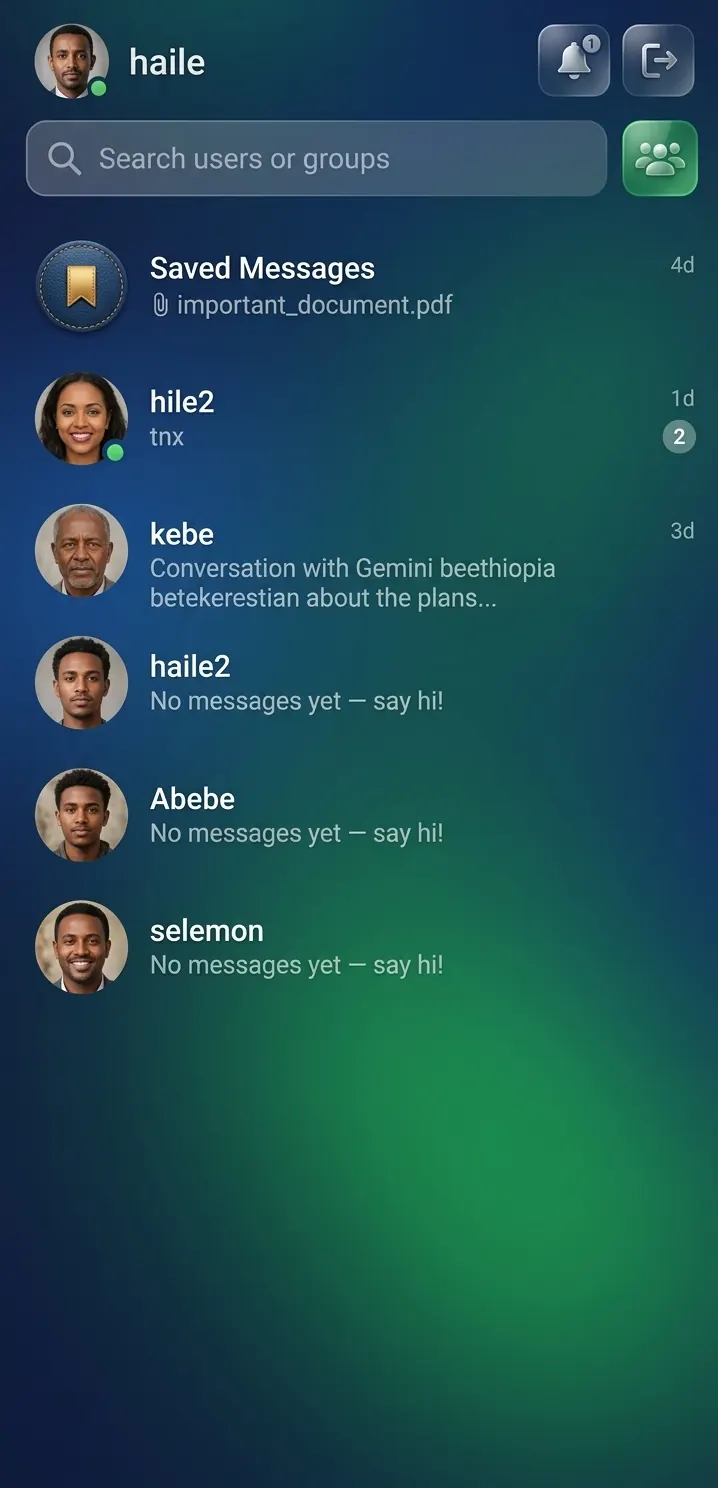
Ready to try Chat App?
A simple chat app with no download and no complex verification. Access your saved files from any device with your username and password.
Open Chat App now → (opens in a new tab)